T06
Unit 1 Task 07

Equipment
-
Scissors
-
A5 Paper
-
A5 Coloured Paper
-
Knife
-
Glue
-
150mm Boxboard base
Class Time
-
5 periods
-
Due
-
Friday 22 March
Work Submitted
-
A3 Photographic sheet of 3 models
-
Annotations
Assessment
-
completion of task

Task 7 Paper "Sketch Model"
Sketching without drawing?
Yes now we will explore a technique to create forms by making3D models with just paper and glue. Using the paper supplied fold, cut, scrunch, tear, crease it to create a model within the confines of the boxboard base supplied. You can glue the paper together as well as gluing it to the base to create whatever you can think of.
You need to make 3 models - one model per base board supplied. Keep your model within the footprint of the baseboard.
PART A - MODEL MAKING
Model 1
-
150mm base
-
1 piece of A5 white paper
-
NO restrictions on type or number of cuts, folds etc
-
Model 2
-
150mm base
-
2 pieces of A5 coloured paper - ie red & black or yellow & blue
-
Only straight or angular folds and cuts - NO CURVES
-
Model 3
-
150mm base
-
3 pieces of A5 coloured paper - ie red, black & white or green, red & yellow
-
CURVES allowed
PART B - PHOTOGRAPH
Photograph
Once you have finished your models you will nbeed to photograph them from multiple views in the photo studio using the studio lights as shown.
take photos from several viewpoints such as:
-
high viewpoint
-
low viewpoint
-
straight on - both front and sides of your model
-
PART C - PRESENTATION
A3 Presentation of the model
Place the 3 best photos of your models in an A3 Illustrator file and include the following:
-
at least 1 photo of each model
-
Annotate each model describing what and how it is made
-
title your work and include your name
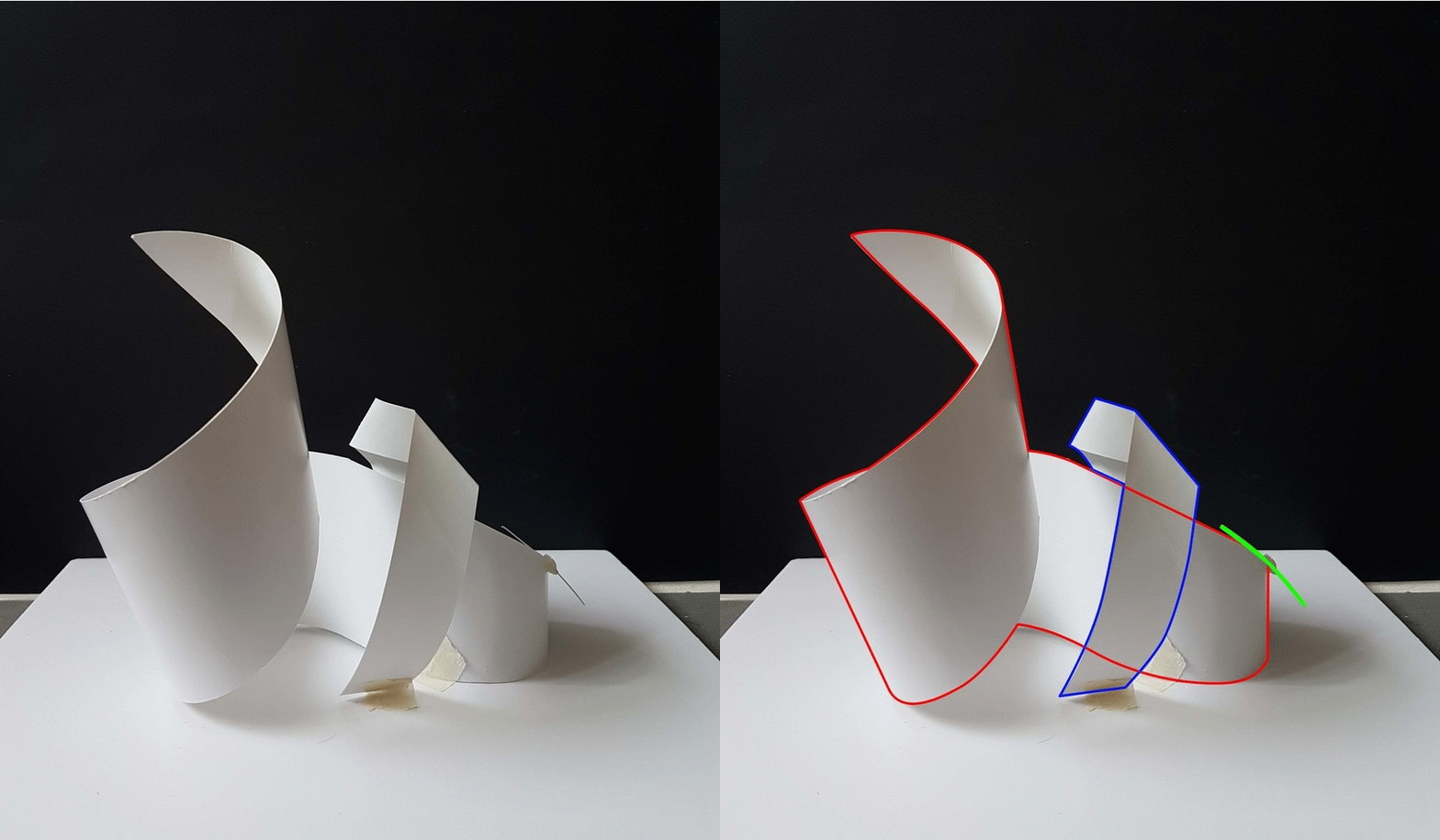


PRESENTATION TIP
Find a typeface that you like and use it to create a style of labelling that you can use for the presentation of your work in this subject. Find a typeface that has a large family of fonts within it such as Franklin Gothic. Family refers to the variations available such as Bold, Heavy, Book, Italic, Italic Book etc.